
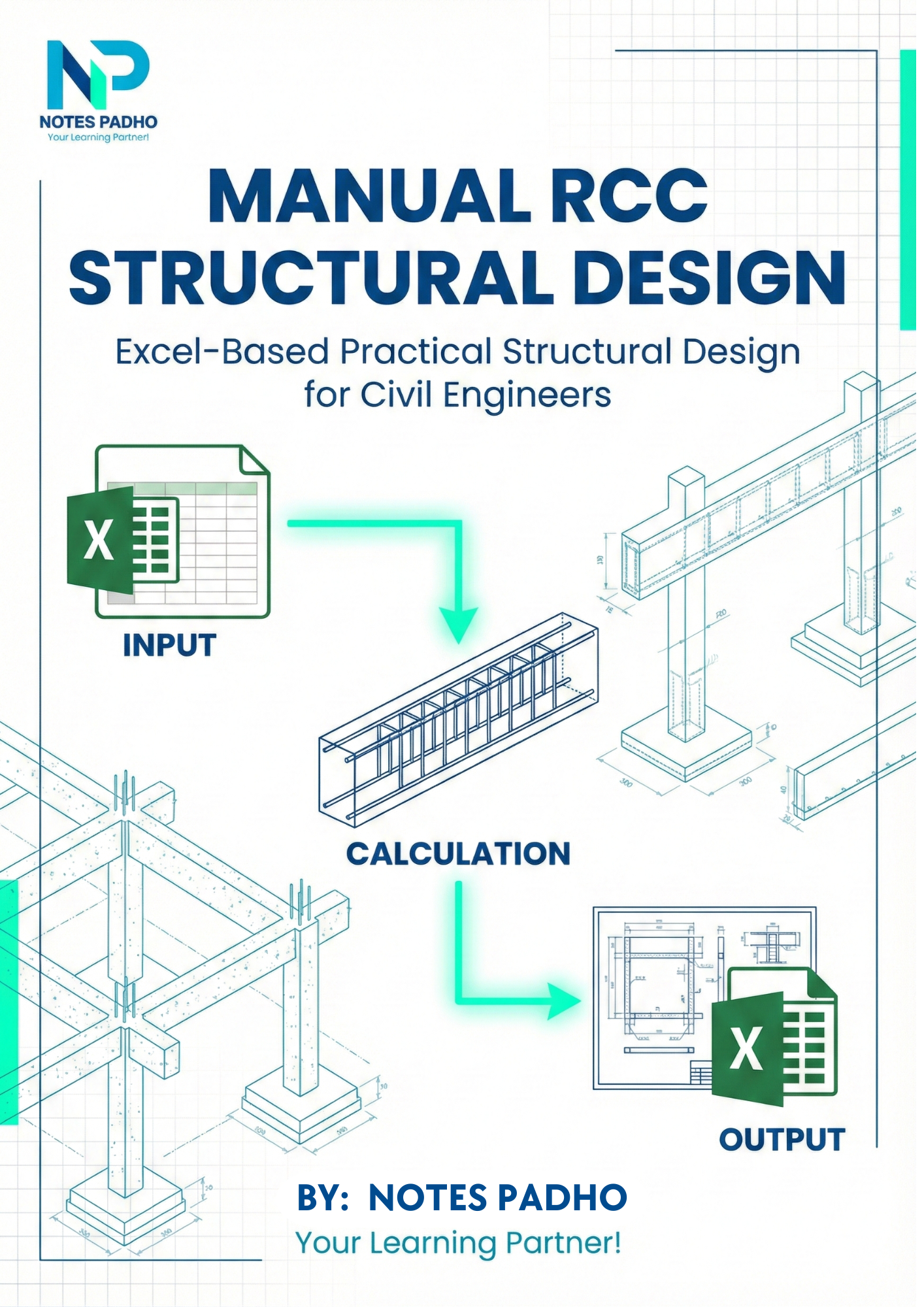
Manual RCC Structural Design Excel is a complete Excel-based RCC structural design course developed for civil engineers, students, and site professionals who want clarity, speed, and confidence in structural design.
This course is designed to eliminate lengthy manual calculations and dependency on complex software. Using a single powerful RCC Structural Design Excel workbook, learners can design slab, beam, column, and footing using a manual, IS code-based approach that is transparent and easy to understand.
You only need to enter values in highlighted RED cells, and the Excel sheet automatically performs load calculations, design checks, and reinforcement detailing, making RCC design fast, accurate, and beginner-friendly.
🏗️RCC Structural Design Excel – Tabs Included
1. Slab Design Excel Sheet
-
Span, loading, and material inputs
-
Effective depth calculation
-
Main steel & distribution steel
-
Safety checks and final design output
2. Beam Design Excel Sheet
-
Span and support conditions
-
Load calculation
-
Bending moment & shear force
-
Flexural steel and stirrup design
-
Final reinforcement detailing
3. Column Design Excel Sheet
-
Axial load and moment input
-
Column size selection
-
Longitudinal reinforcement calculation
-
Tie spacing & safety checks
4. Footing Design Excel Sheet
-
Safe Bearing Capacity (SBC) input
-
Column load transfer
-
Footing size calculation
-
One-way & two-way shear checks
-
Footing reinforcement detailing
Additional Excel Tabs for Accurate RCC Design
🔹 Load Calculation Tabs
-
Dead load calculation
-
Live load consideration
-
Load combinations
-
Auto transfer of loads to RCC design sheets
🔹 Material Property Tabs
-
Concrete grade selection
-
Steel grade selection
-
Auto-linked material properties
🔹 Design Criteria & Assumptions
-
IS code-based assumptions
-
Pre-defined safety factors
-
Design limit checks
🔹 Calculation Support & Verification
-
Intermediate calculations
-
Formula-based checks
-
Error reduction logic
🔹 Output & Summary Tabs
-
Final design summary
-
Reinforcement results
-
Clear input vs output separation
-
Ready reference for site execution
Key Advantage of This RCC Design Excel Tool
👉 You only enter data in RED MARKED CELLS
-
No formula disturbance
-
No confusion
-
Beginner-friendly
-
Zero calculation fear
All other cells are auto-calculated and protected.
Who Should Use This RCC Structural Design Excel Course?
- Civil Engineering Freshers
- Structural Engineers
- Diploma / B.Tech / M.Tech Students
- Site engineers who want design clarity
- Professionals preparing for interviews
- Engineers looking for Excel-based RCC design tools
Why This Course is Practical & Industry-Oriented
✔ IS Code based real project logic
✔ No dependency on costly software
✔ Easy to modify and reuse
✔ Site-friendly RCC design approach
✔ Perfect balance of concept + calculation
How RCC Structural Design Excel Helps Civil Engineers
The RCC Structural Design Excel workbook included in this course bridges the gap between theoretical knowledge and real-site application. Many civil engineers struggle with manual RCC calculations due to lengthy formulas and repetitive steps. This Excel-based RCC design approach simplifies the entire process while keeping the design logic transparent.
With RCC Structural Design Excel, engineers can quickly analyze slab, beam, column, and footing members by entering basic input parameters. The sheet automatically performs load calculations, design checks, and reinforcement detailing as per IS code provisions, reducing human errors and saving valuable time.
This RCC Structural Design Excel tool is extremely useful for:
-
Understanding step-by-step RCC design logic
-
Quick design checks during site execution
-
Improving confidence in technical discussions
-
Learning RCC design without software dependency
The course is suitable for both beginners and experienced engineers who want a reliable Excel-based RCC design solution for daily professional use.
What You Will Get
✅ Complete Multi-Tab RCC Design Excel Workbook
✅ Step-by-step explanation of each tab
✅ Clear input → calculation → output workflow
✅ Confidence in RCC structural design
✅ Lifetime access to Excel file
Upgrade Your RCC Design Skills with Excel
Start designing RCC elements faster, smarter, and more accurately using this Manual RCC Structural Design Excel course — trusted by students and professionals.
This RCC Structural Design Excel course is ideal for learning practical structural design skills required in the civil engineering industry.










Notes Padho User
⭐⭐⭐⭐⭐
Excellent Excel-based RCC design workbook. All calculations are auto-linked and based on IS codes. Saved a lot of time in slab and beam design work. Perfect for practical site and office use.
Notes Padho User
⭐⭐⭐⭐⭐
This manual RCC structural design Excel course is very well structured. Concepts, calculations and outputs are clearly separated. Very helpful for learning RCC design and interview preparation.
Notes Padho User
⭐⭐⭐⭐⭐
Very practical RCC Structural Design Excel tool. Slab, beam, column and footing design calculations are clear and easy to understand. Red cell input system makes the design fast and beginner-friendly. Highly useful for civil engineering students and site engineers.